
Back to School Coding Routine for Kids Ages 6 to 16

Back-to-school season has a way of resetting family life. New notebooks land in backpacks. Calendars fill with practices, clubs, homework, and early alarms. It is also one of the best times to build a habit that can help kids think more clearly, create with confidence, and use technology with purpose.
That habit is coding.
At Code Wiz Edison, monthly membership classes begin September 1, 2026, giving families a structured way to make coding part of the school-year routine. Children can create games, explore robotics, build digital worlds, and solve problems with guidance from supportive coaches.
The goal is simple: turn technology time into purposeful building time.
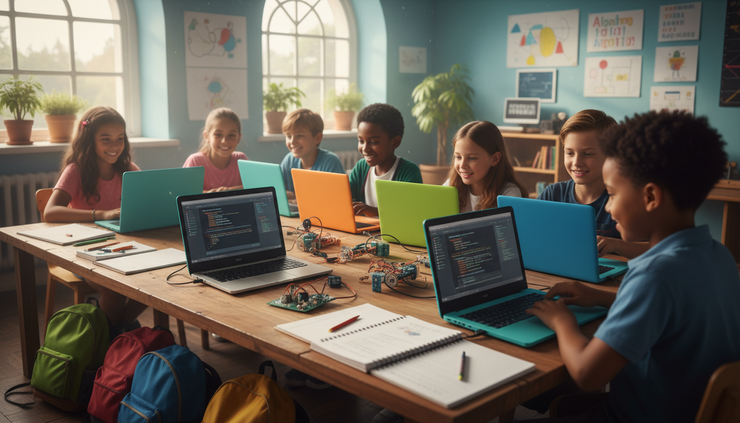
A school-year routine helps coding become a habit
Big ideas rarely arrive all at once. They grow from small, steady practice.
That is why weekly coding classes work well during the school year. Kids already understand routines in the fall. They know what it feels like to go to school, bring homework home, attend activities, and work toward goals over time. Coding fits naturally into that rhythm when it has a clear place on the calendar.
A strong coding routine gives kids repeated time to:
Practice problem-solving
Build patience when something does not work
Learn from trial and error
Finish projects in stages
Share what they made
Grow comfortable with technology as creators
This matters because coding is not only about typing commands. It is a way of thinking. When a child builds a game, they make decisions about rules, characters, timing, cause and effect, and user experience. When they work on robotics, they connect code to motion, sensors, and real-world behavior. When they build a digital world, they plan, test, revise, and keep going.
Those skills carry into schoolwork and everyday life.
A child who learns to debug a program also learns to ask better questions. What changed? What did I expect to happen? What actually happened? What can I try next?
That mindset is useful in math, science, writing, and even friendship. It teaches kids that a problem is not a stop sign. It is something to understand.
Purposeful screen time looks different from passive screen time
Many families worry about screen time, and for good reason. A child who spends hours scrolling, watching, or tapping through content may end the day feeling overstimulated but not especially fulfilled.
Coding is different because it asks kids to make something.
Purposeful technology time has a few clear signs:
The child has a project or challenge
The activity includes thinking, planning, and testing
Mistakes become part of the process
The screen is a tool, not the main reward
The child can explain what they built or changed
A coding class might still look playful. Kids may laugh when a character jumps too far, a robot spins in circles, or a game level becomes too hard. That play has value. It gives kids a reason to keep testing and improving.
For younger children, purposeful screen time might mean using block-based coding to make a character move across a maze. For older students, it might mean writing text-based code, adjusting game physics, or building a more complex app idea.
The difference is not the device. The difference is the role the child plays.
Passive screen time asks, “What do you want to watch next?”
Coding asks, “What do you want to build next?”
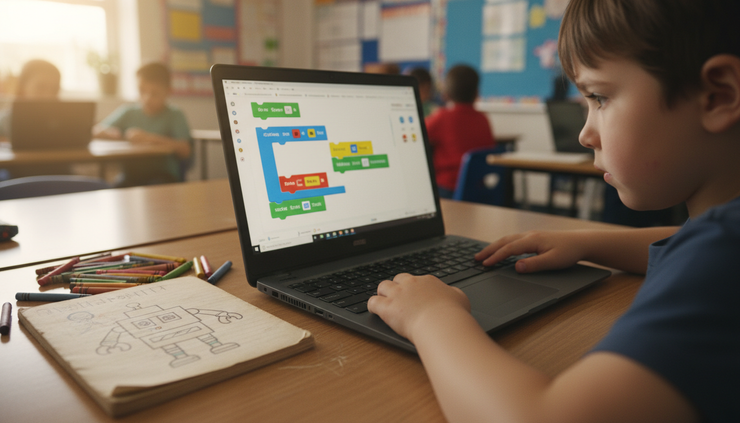
Kids need coding paths that match their stage
A 5-year-old and a 15-year-old should not have the same coding experience. They can both learn, but they need different tools, challenges, and support.
The best coding routine grows with the child. It starts where they are and gives them room to stretch.
Age range | What coding may look like | Skills kids build |
5 to 7 | Simple visual coding, sequencing games, logic puzzles, beginner robotics | Pattern recognition, patience, step-by-step thinking |
8 to 10 | Game design, animation, more detailed robotics, beginner digital worlds | Planning, debugging, creativity, cause and effect |
11 to 13 | Text-based coding, game mechanics, app concepts, more advanced projects | Problem-solving, independence, project planning |
14 to 16 | Larger coding projects, advanced tools, design thinking, portfolio-style work | Persistence, creative confidence, technical fluency |
Younger kids often learn best through stories and immediate feedback. If they move a character forward, they see the result right away. If they put commands in the wrong order, they can fix it and try again.
Middle-grade students often enjoy making something they can show to friends or family. A game, animation, or robot challenge gives them a clear goal and a reason to improve.
Older students may want more independence. They might enjoy building something with multiple levels, custom features, or a more personal theme. They are ready to think about structure, design choices, and how a user experiences their project.
The right routine keeps kids challenged without making them feel lost.
Weekly classes create structure without crowding the calendar
Families do not need to fill every afternoon with enrichment for kids to make progress. In many cases, one steady weekly class is enough to build momentum.
A weekly coding routine works because it gives kids time between sessions. They can let ideas settle. They can talk about what they made. They can come back ready to solve the next piece of the puzzle.
That spacing also helps coding feel sustainable. A child does not need to master everything in one sitting. They only need to keep returning, practicing, and building.
A strong weekly rhythm might look like this:
Attend class at the same time each week
Predictability helps kids mentally prepare and reduces family scheduling stress.
Ask one simple question after class
Try “What did you build today?” or “What problem did you solve?” This makes the learning visible.
Keep home practice light
If a child wants to continue, great. If not, the weekly class still keeps the habit alive.
Celebrate effort, not only finished projects
Debugging can be frustrating. Recognizing persistence helps kids stay motivated.
Let projects reflect the child’s interests
A sports game, pet animation, space adventure, or robot maze can all teach real coding concepts.
The key is consistency. Kids gain confidence when they know they will have another chance to try, fix, and improve.
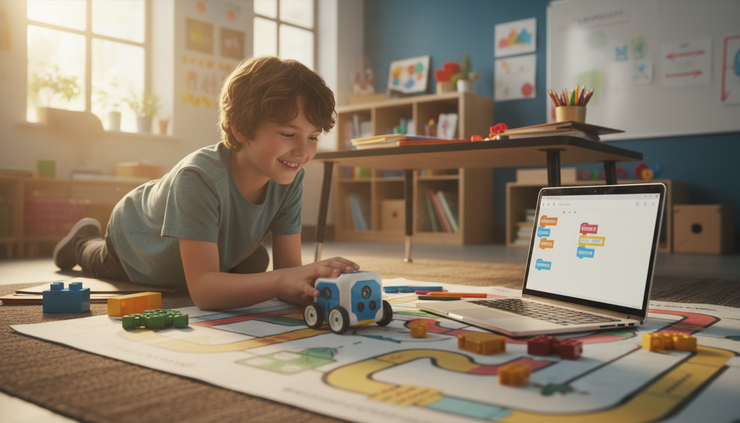
Supportive coaches make the learning process less intimidating
Coding can feel confusing at first. That is normal.
Even experienced programmers run into errors. They search, test, revise, and try again. For kids, the difference often comes down to support. A patient coach can help a child slow down, read the problem, and think through the next step.
Good coaching does not mean handing over the answer right away. It means asking useful questions.
What did you expect the code to do?
What happened instead?
Which part worked?
Which part should we test next?
Can you explain your idea in your own words?
This kind of guidance helps kids build independence. They learn that they can handle confusion. They learn to talk through their thinking. They learn that mistakes are part of building something new.
At Code Wiz Edison, children can explore coding in a setting built for learning, creativity, and steady progress. Weekly membership classes give students a place to return to, with coaches who can meet them at their level and help them move forward.
That support is especially helpful during the school year, when kids are already managing academic expectations. A coding class can give them a different kind of challenge, one where creativity and logic work together.
Coding projects can connect to school goals
Coding supports more than future tech skills. It also connects with school subjects in practical ways.
Math shows up when kids work with coordinates, scoring, speed, size, angles, and timing. Reading matters when they follow instructions and understand project goals. Writing appears when they name characters, design dialogue, or explain how their project works.
Science comes through in robotics and simulations. Art shows up in design, color, sound, and storytelling. Even social skills can grow when kids share projects, give feedback, or solve challenges with a partner.
A coding routine can also help kids build executive function skills. They practice planning, sequencing, focusing, and revising. These skills make a difference far beyond the screen.
For example, a simple game project might include:
A main character
A goal
Obstacles
A scoring system
Rules for winning or losing
A start and end screen
To build it, a child must think through order and logic. If the character touches an obstacle, what happens? If the player earns enough points, what changes? If the game is too easy, how can it become more interesting?
That process helps children learn to break a big idea into smaller steps. It is one of the most useful habits they can develop.
A healthy routine leaves room for rest and play
A coding routine should not take over family life. Kids still need outdoor play, reading, rest, hobbies, family time, and unstructured moments.
The goal is balance.
A healthy back-to-school routine gives coding a clear place without turning every free minute into a lesson. When coding has a set time each week, it can reduce the pressure to “fit it in” randomly. Kids know when they will return to their project. Families know where it belongs in the schedule.
It can also help to separate creative technology time from passive screen time. A family might treat coding class as a learning activity, while still setting boundaries around games, videos, or devices at night.
The message to kids becomes clear: technology is not only something to consume. It is something you can shape.
That shift can change how a child sees themselves. They may start by making a character jump. Later, they may imagine a game, a robot, an app, or a tool that solves a real problem.
Small routines can lead to big ideas.
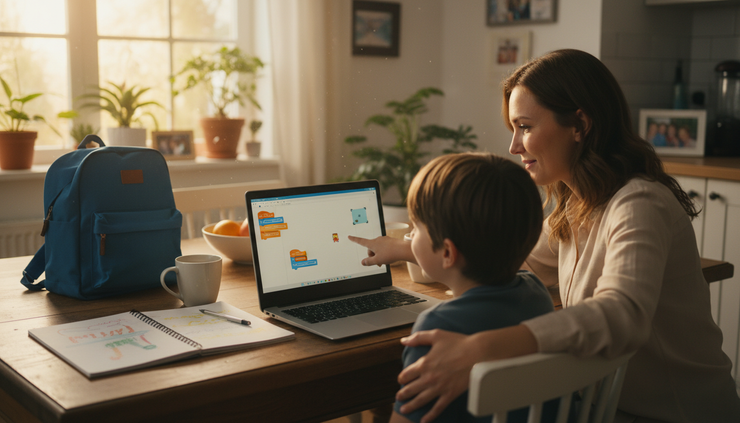
September is the right time to start
The start of the school year already brings structure. That makes it a natural time to add a weekly activity that builds confidence, creativity, and problem-solving skills.
Code Wiz Edison weekly membership classes begin September 1, 2026 for children ages 5 to 15. Students can create games, explore robotics, build digital worlds, and learn with coaches who support each step of the process.
A back-to-school coding routine for kids ages 5 to 16 does not have to be complicated. Choose a steady time. Keep expectations realistic. Let kids build projects that interest them. Celebrate the process as much as the final result.
A strong routine today can help a child become the kind of thinker who keeps asking, building, testing, and imagining tomorrow.


Comments